Features
Feature List — Class Management Software "Daredemo Portal"
Consolidates the features needed to run small schools and studios, including student management, course and class management, attendance, bulletin boards, and calendars. In addition to core features, optional features can be added.
📋 Core Management Features
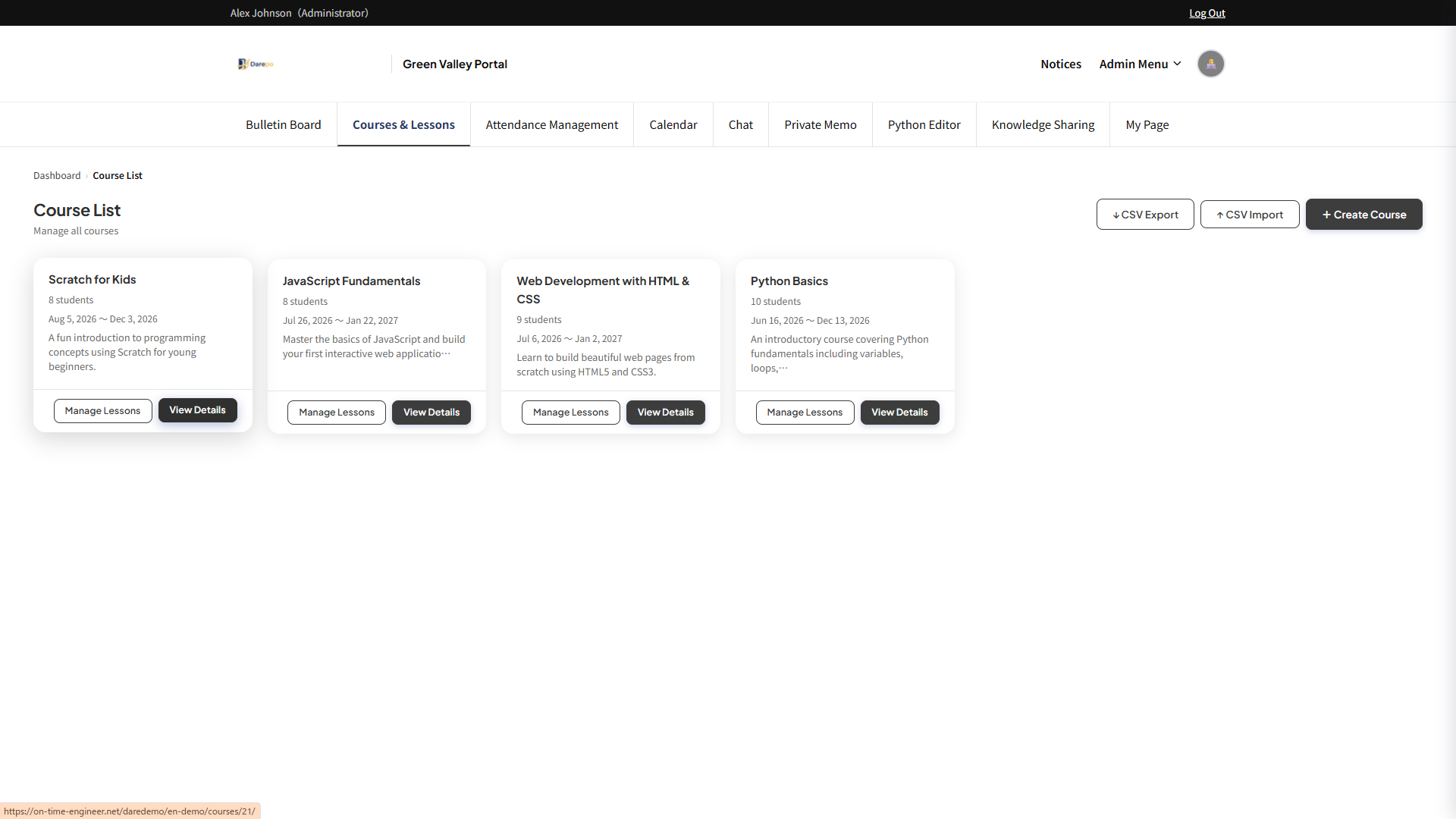
 Course & class management
Manage courses and individual lessons together. Student registration and progress tracking can also be centralized.
- CRUD management of courses and lessons
- Student enrollment and status management
- Detailed materials and file sharing per lesson
- Data import/export via CSV
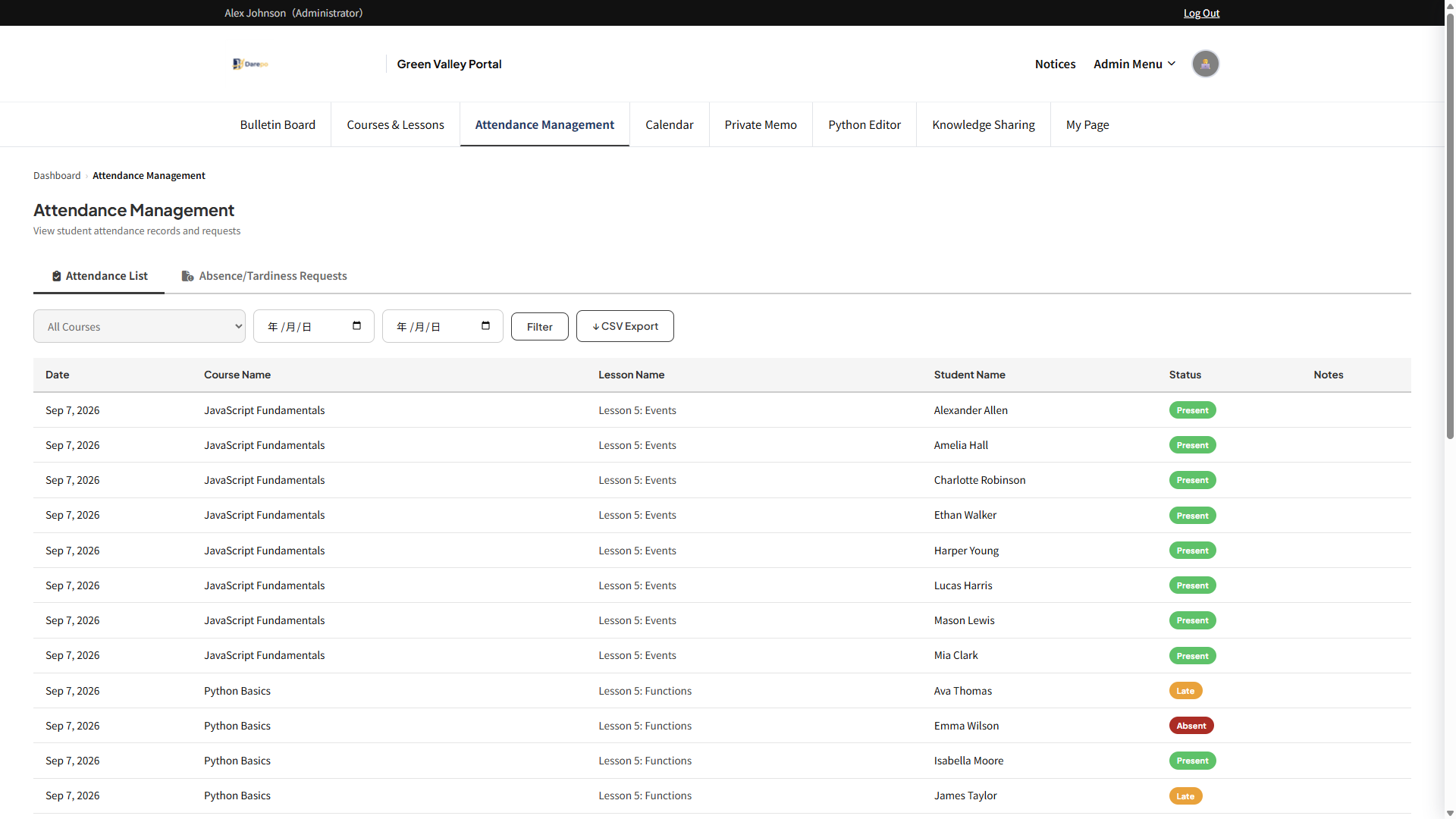
Manage attendance per lesson. With attendance codes, students can check in themselves from their smartphones.
- Automatic check-in with attendance codes
- Real-time attendance status confirmation
- Absence/tardiness requests and approval workflow
- CSV export of attendance data
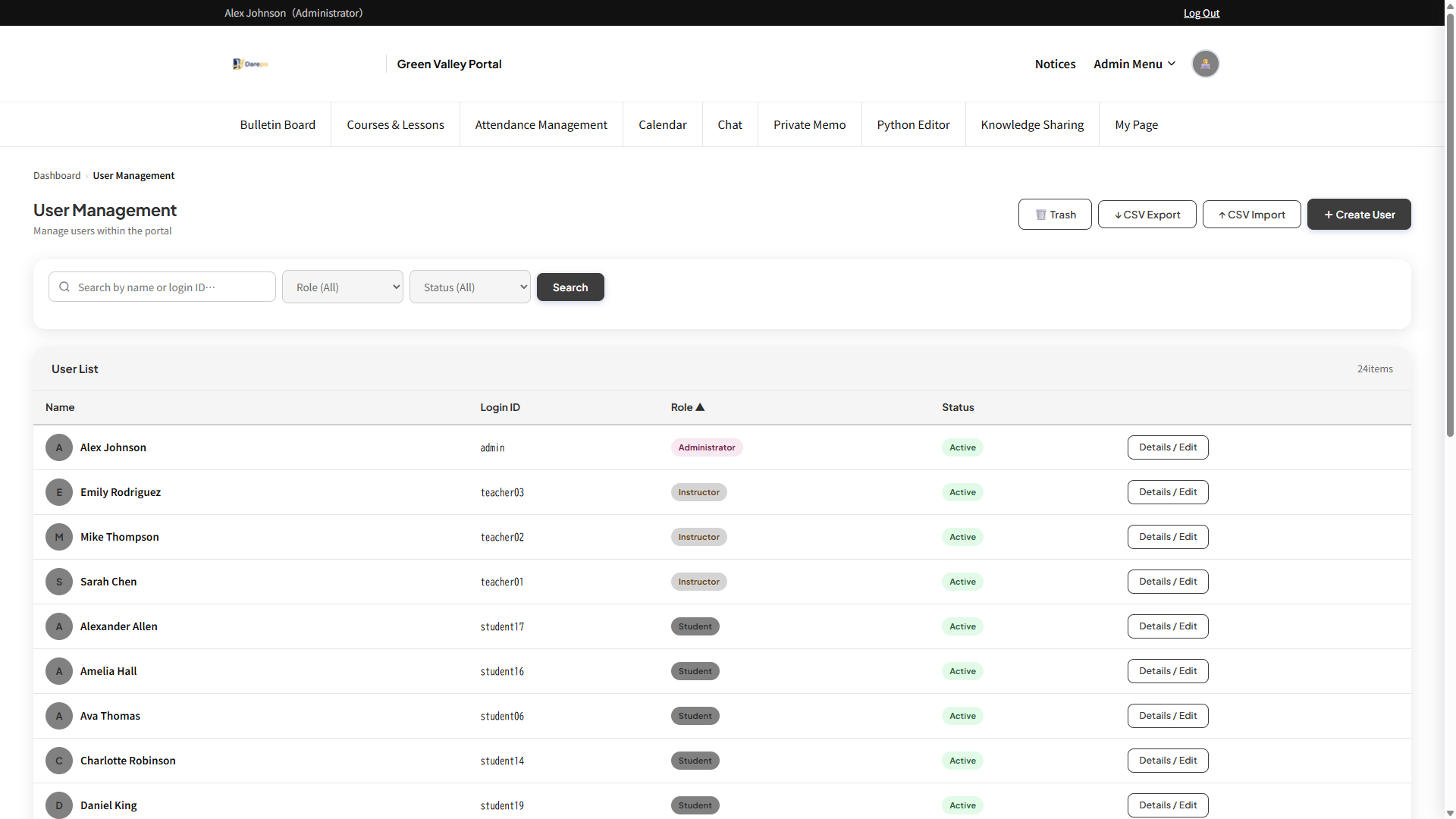
 User Management
Set appropriate access permissions with 3 roles: Admin, Instructor, and Student. Bulk import via CSV is also possible.
- Permission management with 3 roles (Admin, Instructor, Student)
- Bulk user registration via CSV
- Profile photo and icon settings
- Google account login integration
Issue dedicated parent login accounts linked to students. Provide families with independent access to classroom information.
- Set up a parent account for each student
- Independent login exclusive to parents
- Google sign-in also supported
- Access to bulletin board and calendar
💬 Communication Features
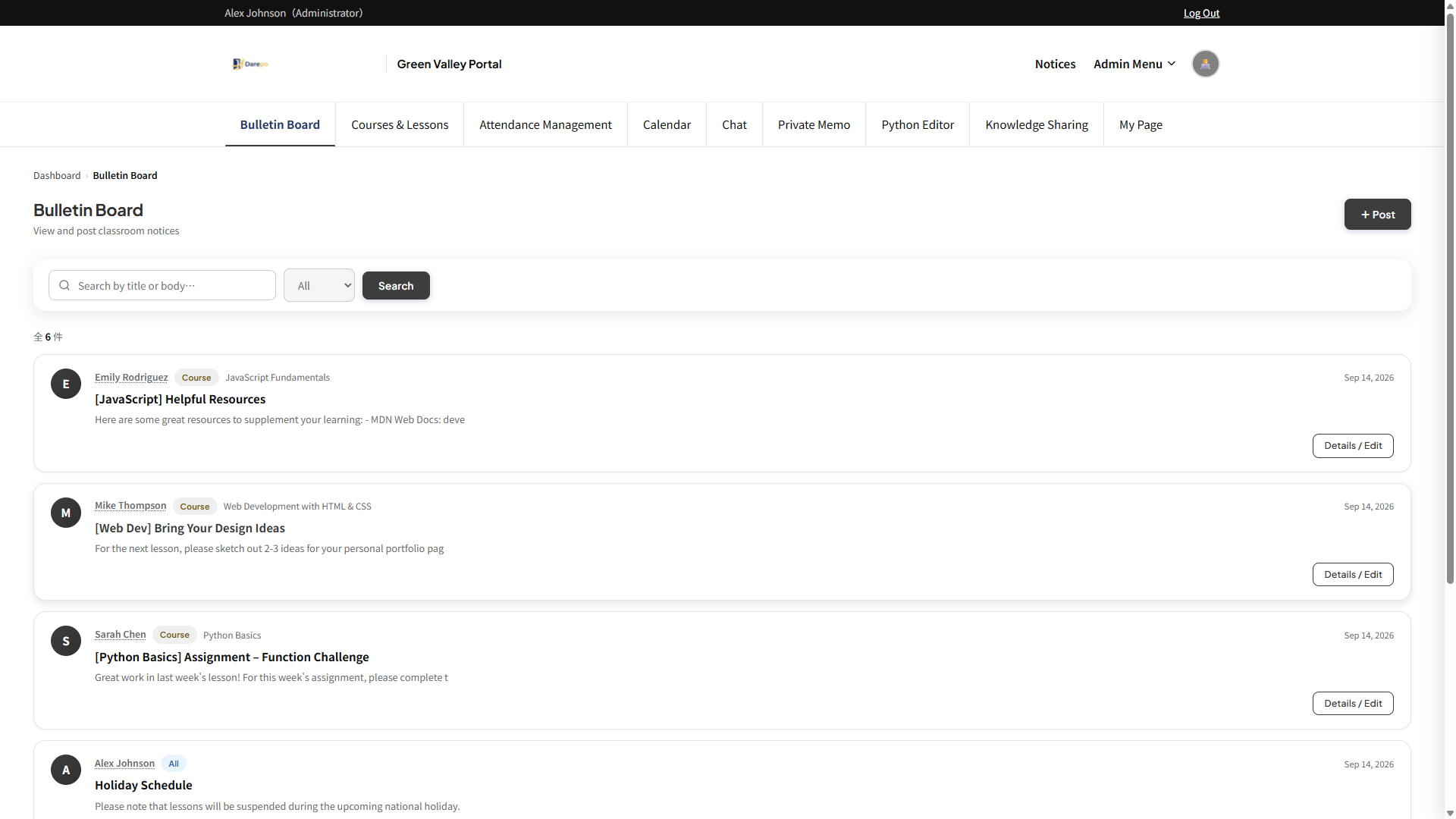
Post and share notices and materials. Deliverable to all users, specific courses, or specific lessons.
- Delivery target settings by all users, course, or lesson
- Create materials with rich text editor
- File and image attachments
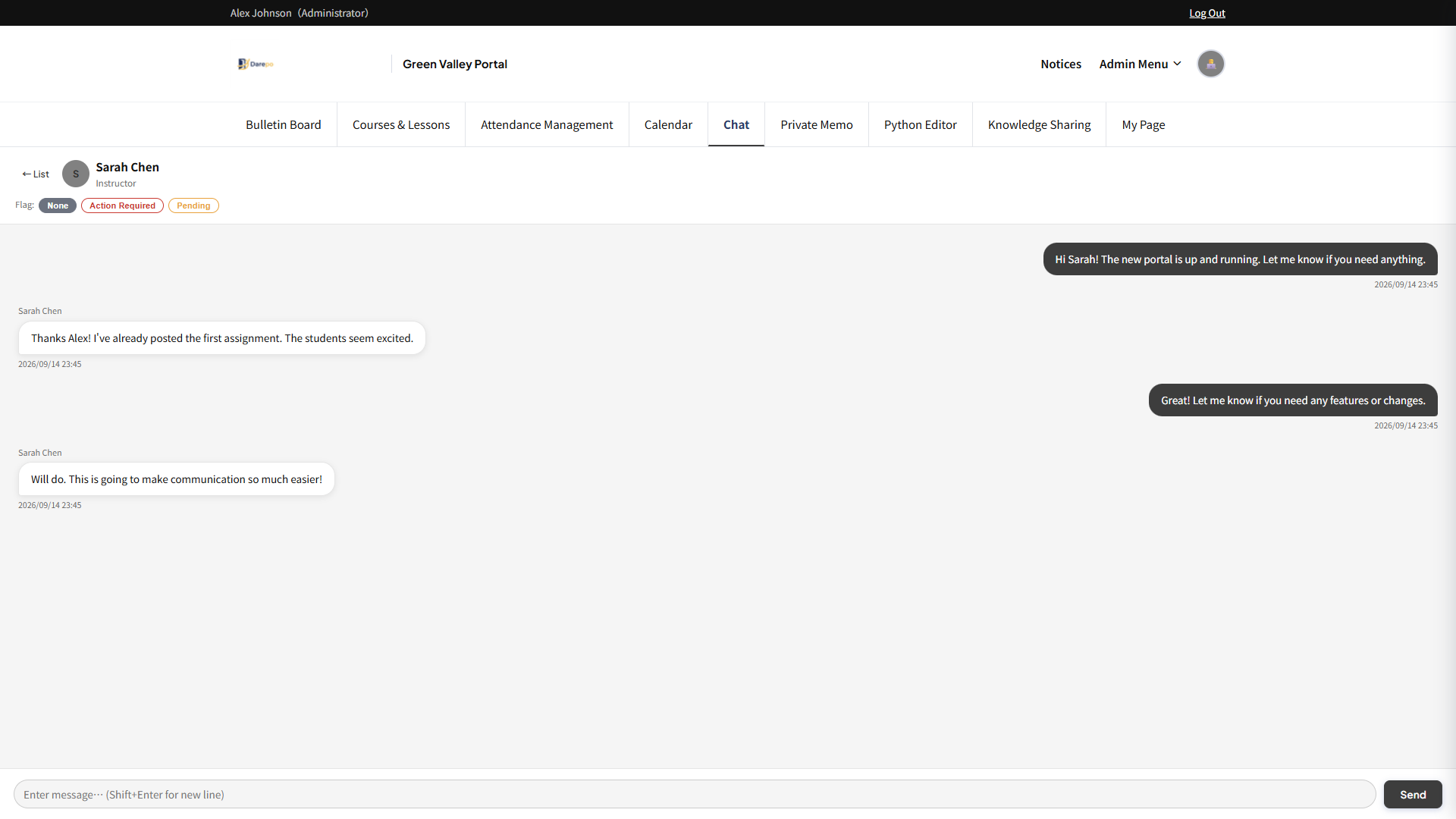
 Chat Option
Supports 1-on-1 chat between teachers and students, and group chat. Can be used as a classroom-exclusive communication tool.
- 1-on-1 chat (Teacher ↔ Student)
- Group room creation and management
- Unread message notifications
- Chat between students is not available
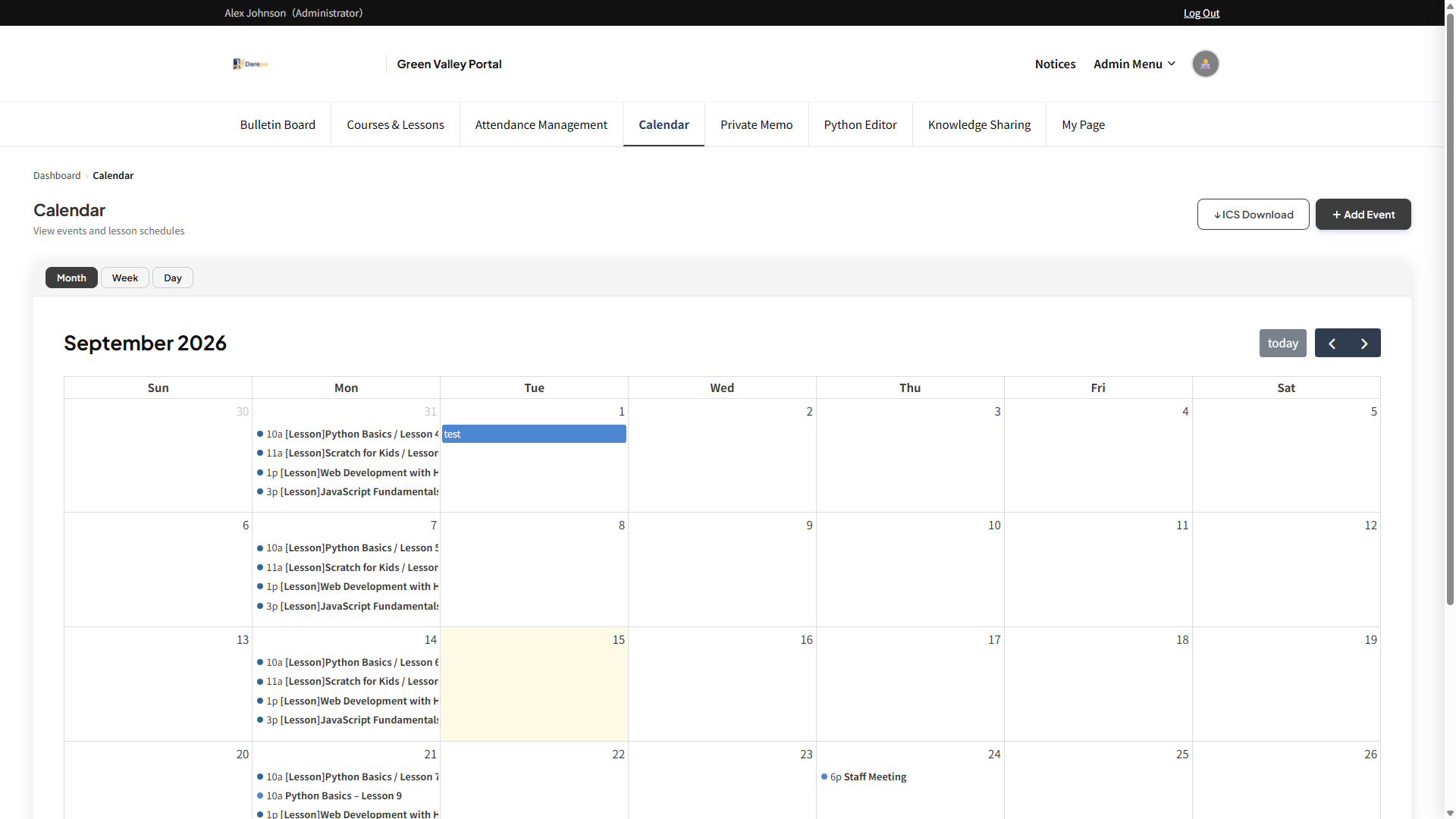
 Calendar
Manage classroom schedules in calendar format. Easy to share with participants.
- Create, edit, and delete events
- Participant registration and management
- Linked posting with bulletin board
📝 Personal & Record Management Features
 Private Memo
A personal notepad only you can see. Great for lesson prep notes.
- Freely record with rich text
- Private from other users
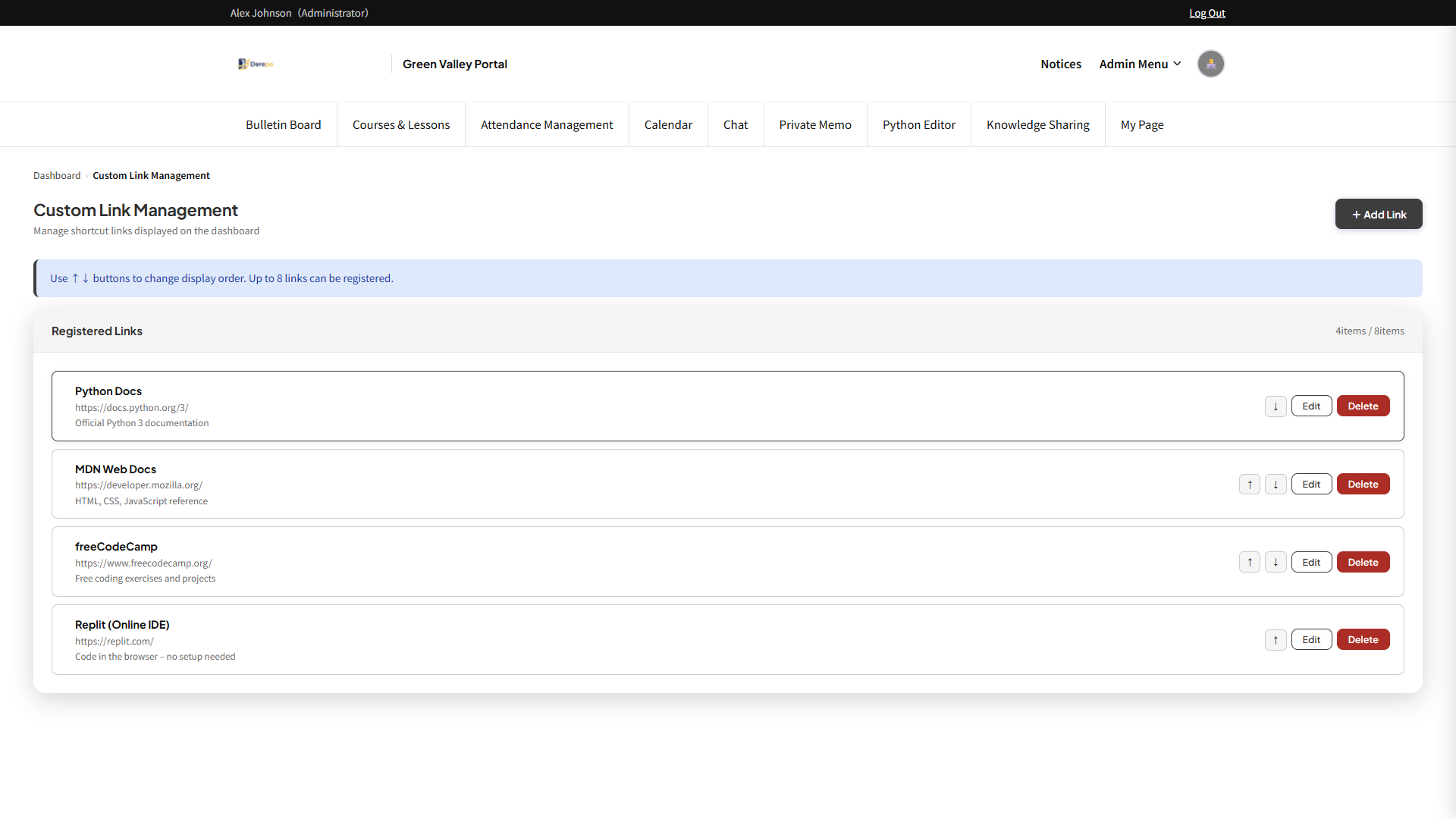
Display frequently used web service URLs together on the dashboard. Makes accessing external tools convenient.
- Register any URL with an icon
- Freely change display order
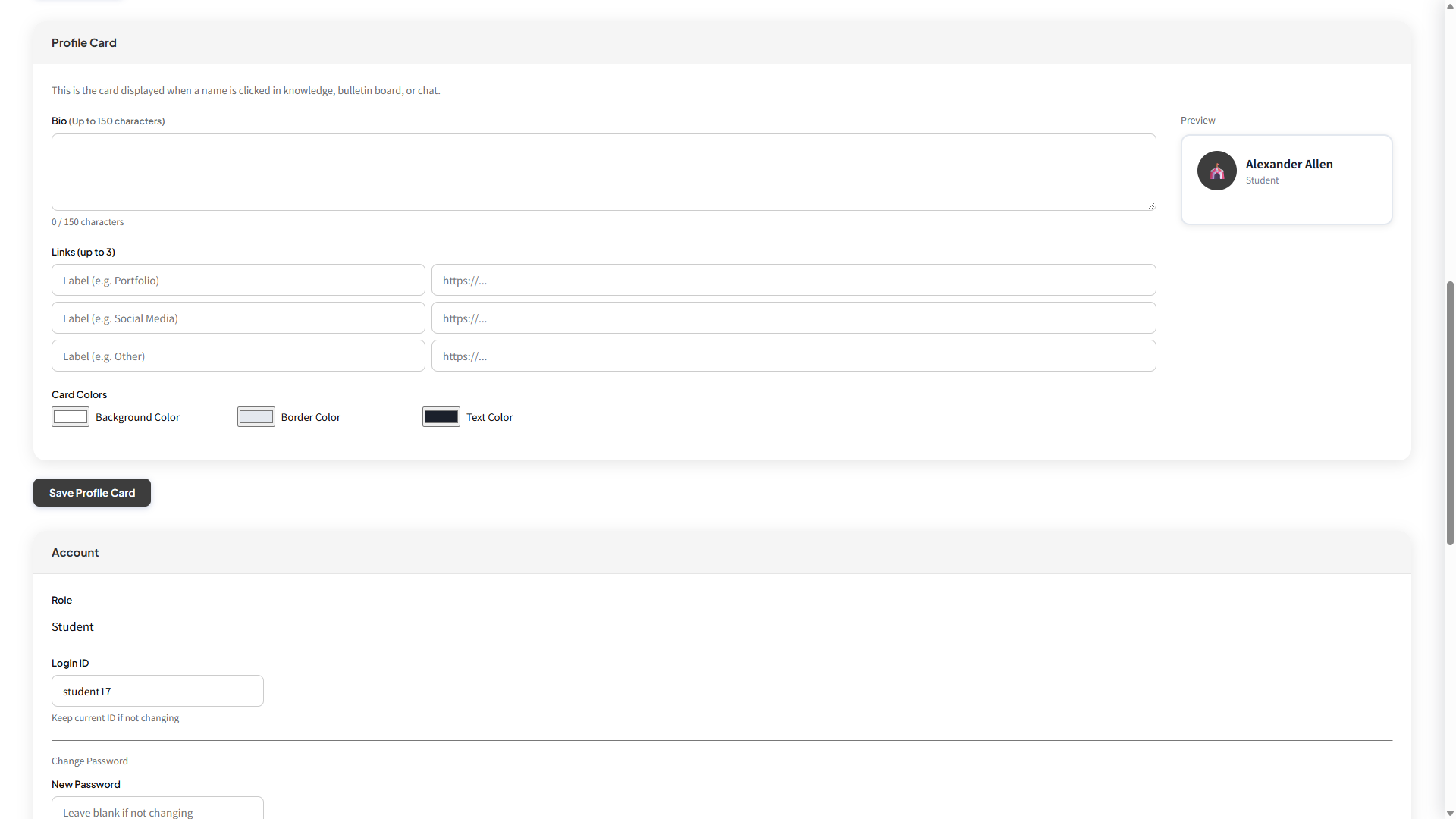
A business card feature to view user bios and links in card format.
- Set bio and links
- Customize card background and text color
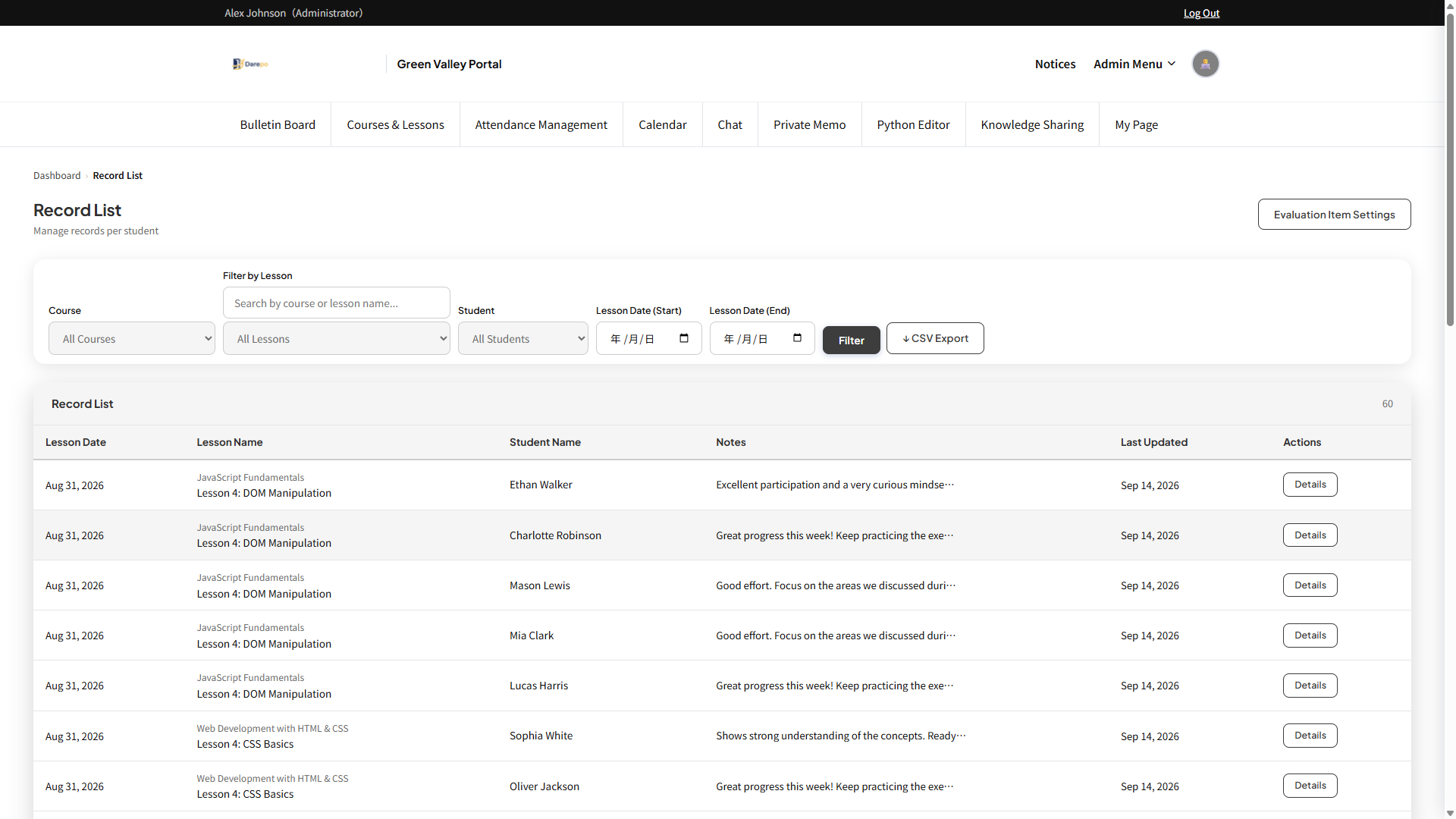
 Record Feature Option
Accumulate lesson records and evaluations per student. Use as a growth record.
- Evaluation and comment recording per lesson
- Customizable evaluation items
- View student growth in chronological order
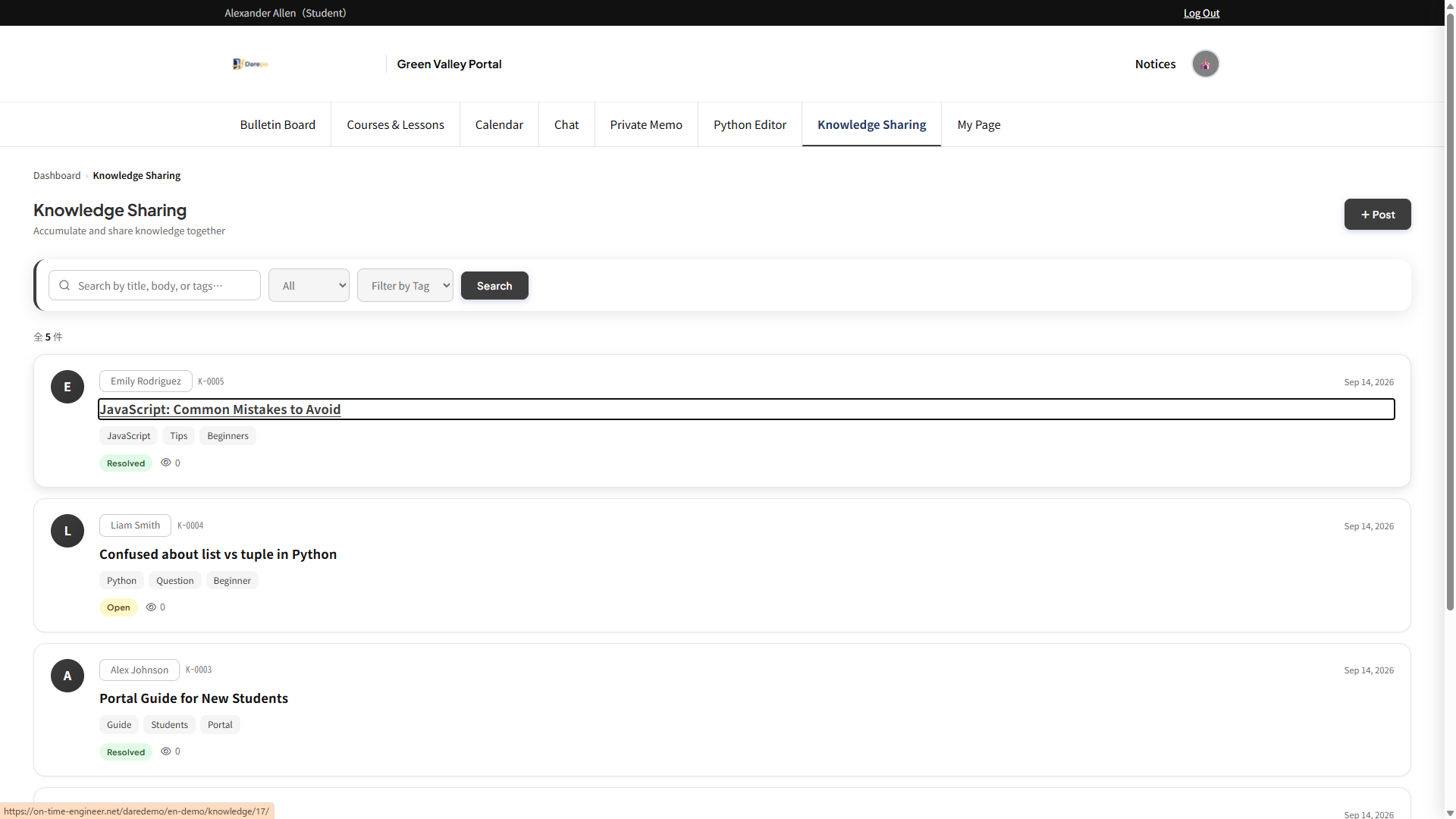
A shared database for posting and searching classroom knowledge and materials.
- Classification and search by tags
- Links to related knowledge
- File and image attachment support
 Log Management Feature Option
Administrators can review who did what and when.
- Log recording of page views and operations
- Recording of login and authentication events
- Filter by date and operation type
⚡ Special Features (Optional)
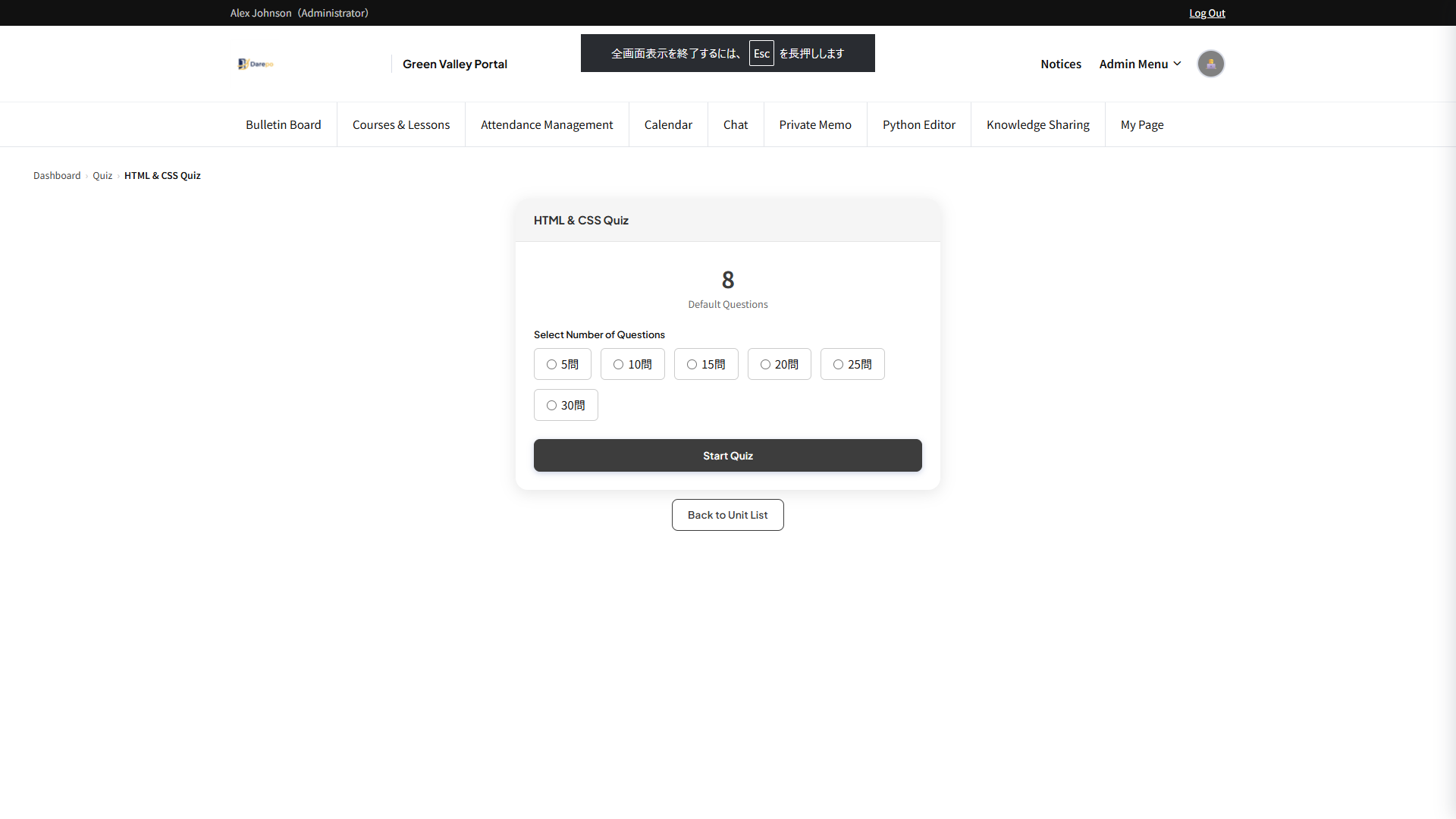
 Quiz Feature
Conduct post-lesson comprehension checks online. Create multiple-choice and written tests.
- Create multiple-choice and written questions
- Answer and explanation settings
- Review student answer results
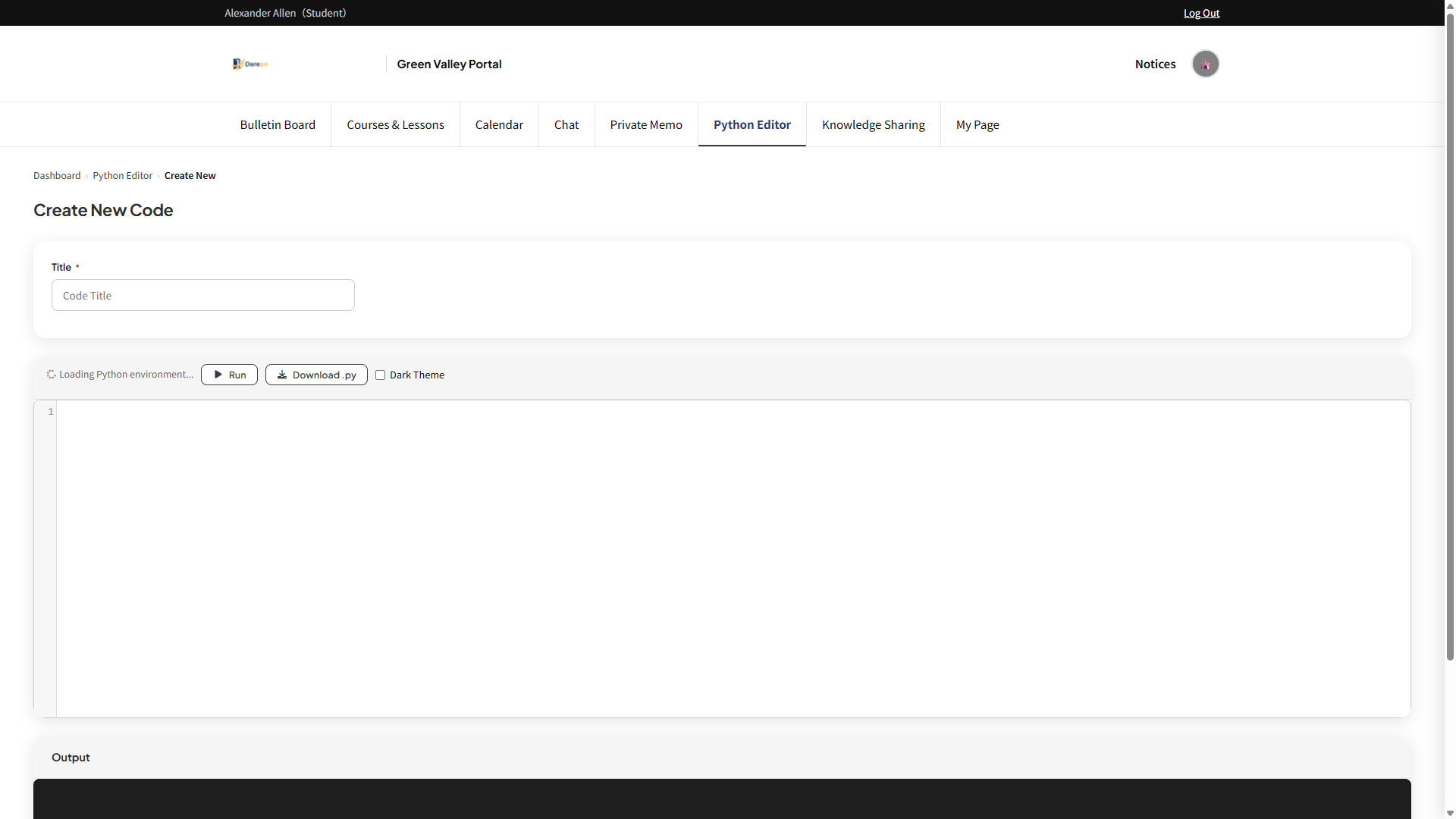
 Python editor
Write and run Python code directly in the browser. Ideal for programming schools.
- Run and check code in the browser — no installation needed
- Create and distribute problems and assignments
- Pygame support for game development and graphics programming
- Load and download .py files
 Tuition Management
Option
Tuition Management
Option
Record and manage tuition payments. Track each students monthly tuition by year and month.
- Monthly tuition records by year and month
- Manage payment status and notes
- CSVエクスポート対応
Feel free to contact us with any questions.
Request a Demo